MiranYour partner forrevisionexamshomeworkteaching
The revision app for Egyptian secondary students — and the classroom tool for their teachers. Practice exams, a mistake bank that never forgets, and homework that grades itself.
Lesson 1 exam
18/20
- Ministry book questions✦
- Today's 10-question drill✦
- Mistake bank✦
- Flashcards✦
- Unit & general exams✦
- Shareable score cards✦
- Teacher communities✦
- Timed homework✦
- Auto-grading✦
- Arabic & English✦
- Works offline✦
- question types: MCQ, true/false, matching, essay
- 4question types: MCQ, true/false, matching, essay
- right in a row to clear a mistake
- 2×right in a row to clear a mistake
- mixed questions in your daily drill
- 10mixed questions in your daily drill
- ads — studying stays focused
- 0ads — studying stays focused
One app, two sides of the classroom
Students revise and solve homework. Teachers write exams, run communities and get results. Everyone meets in Miran.
Student journey
From sign-in to top marks
Everything a student does in Miran, step by step.
01Get started
Sign in with your phone number
Enter your number and password — or get a one-time SMS code if you're new. First time? Add your name and grade and you're in.
- Password sign-in, with an SMS code as a fallback
- Set a password later so you never wait for a code
Welcome back
Have an account? Sign in with your number and password
Phone number
010 1234 5678
Password
••••••|
Sign inForgot your password? Sign in with a code
New here?
Send me a code02Your home
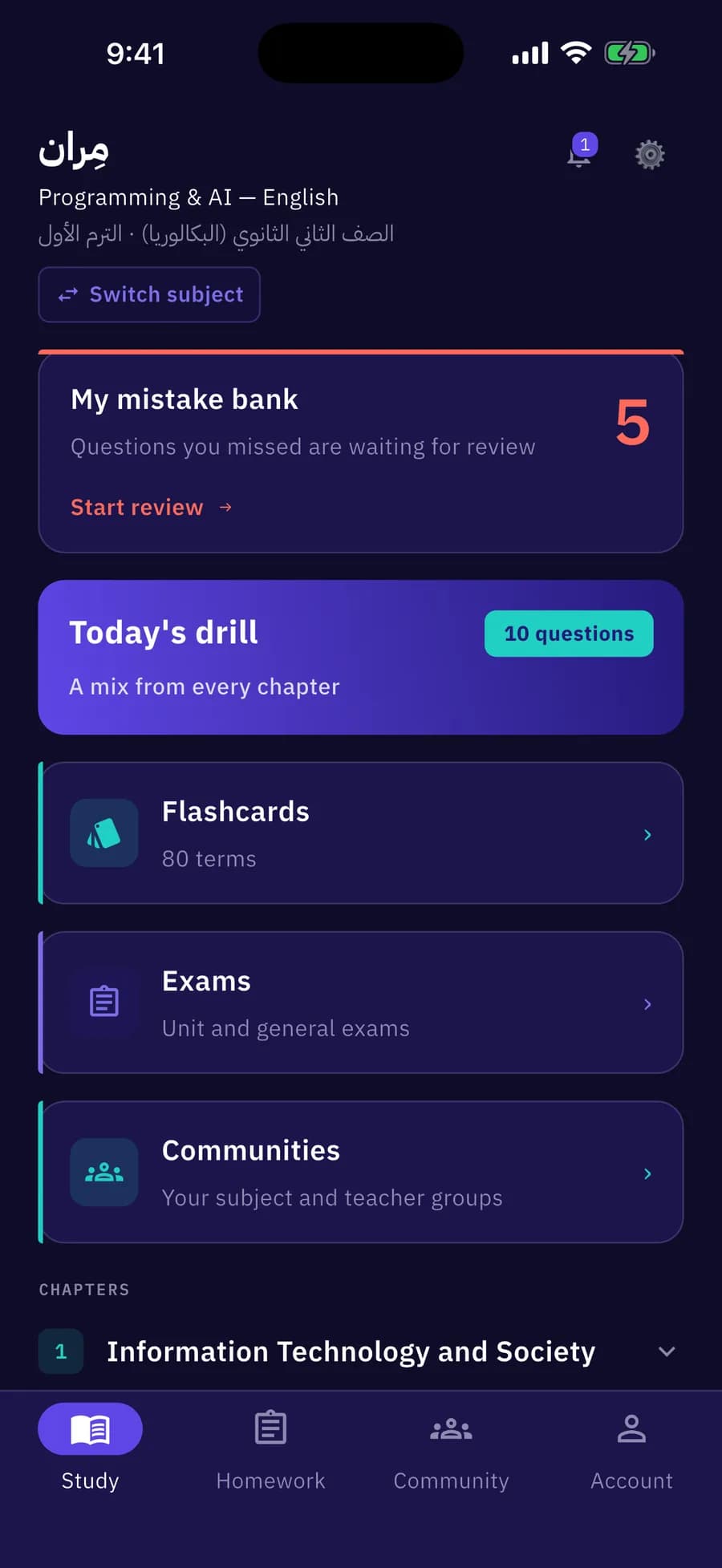
Pick your subject, open your day
Choose your grade, term and subject. Home puts everything in one place: your mistake bank, today's drill, flashcards, exams and every chapter with your progress.
- Today's drill mixes 10 questions from every chapter
- Each lesson shows not started, in progress or your score
03Practice
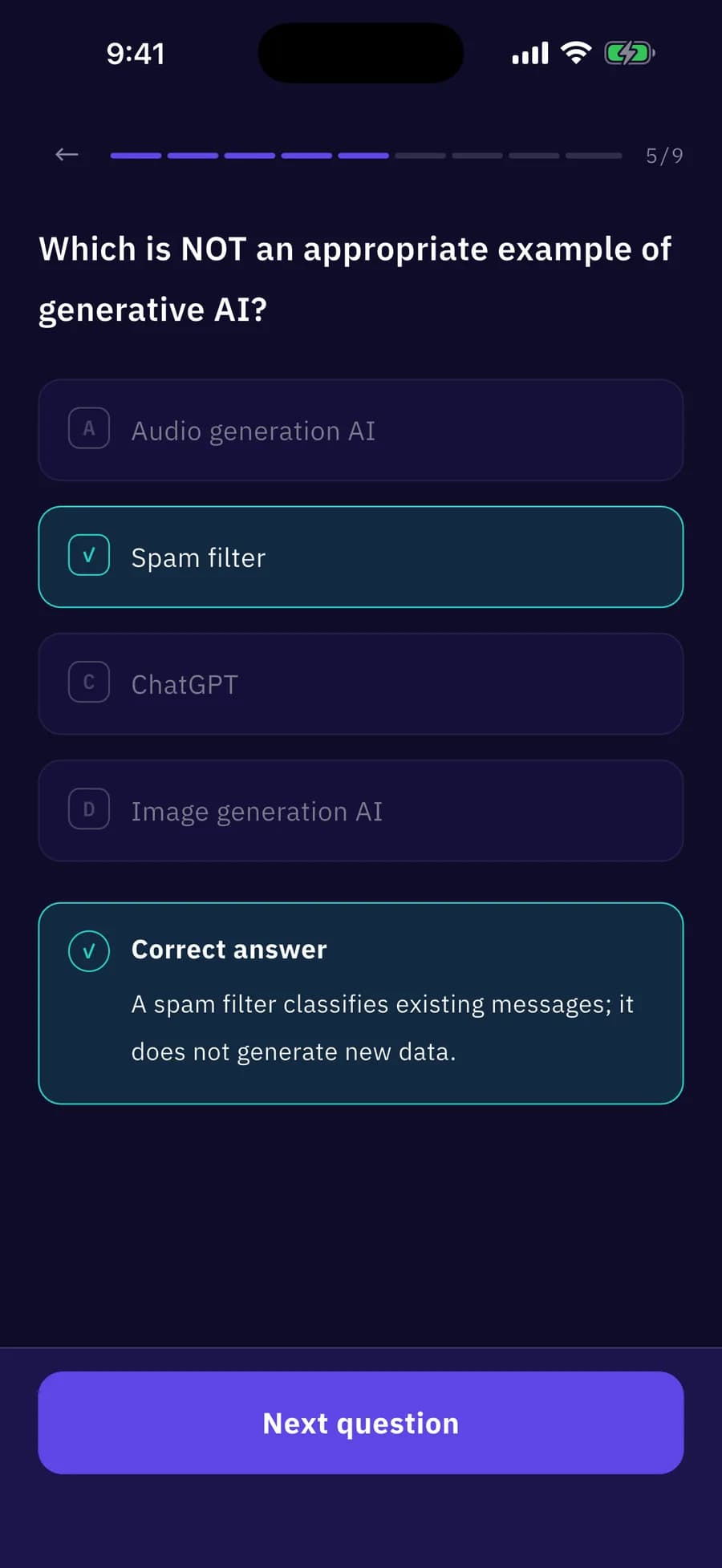
Practice with real exam questions
Every lesson has the Ministry book questions plus extra practice. Answer multiple choice, true/false, matching and essay questions — each one marked on the spot.
- Lesson, unit and general exams
- Essays self-assessed against the model answer
04Results
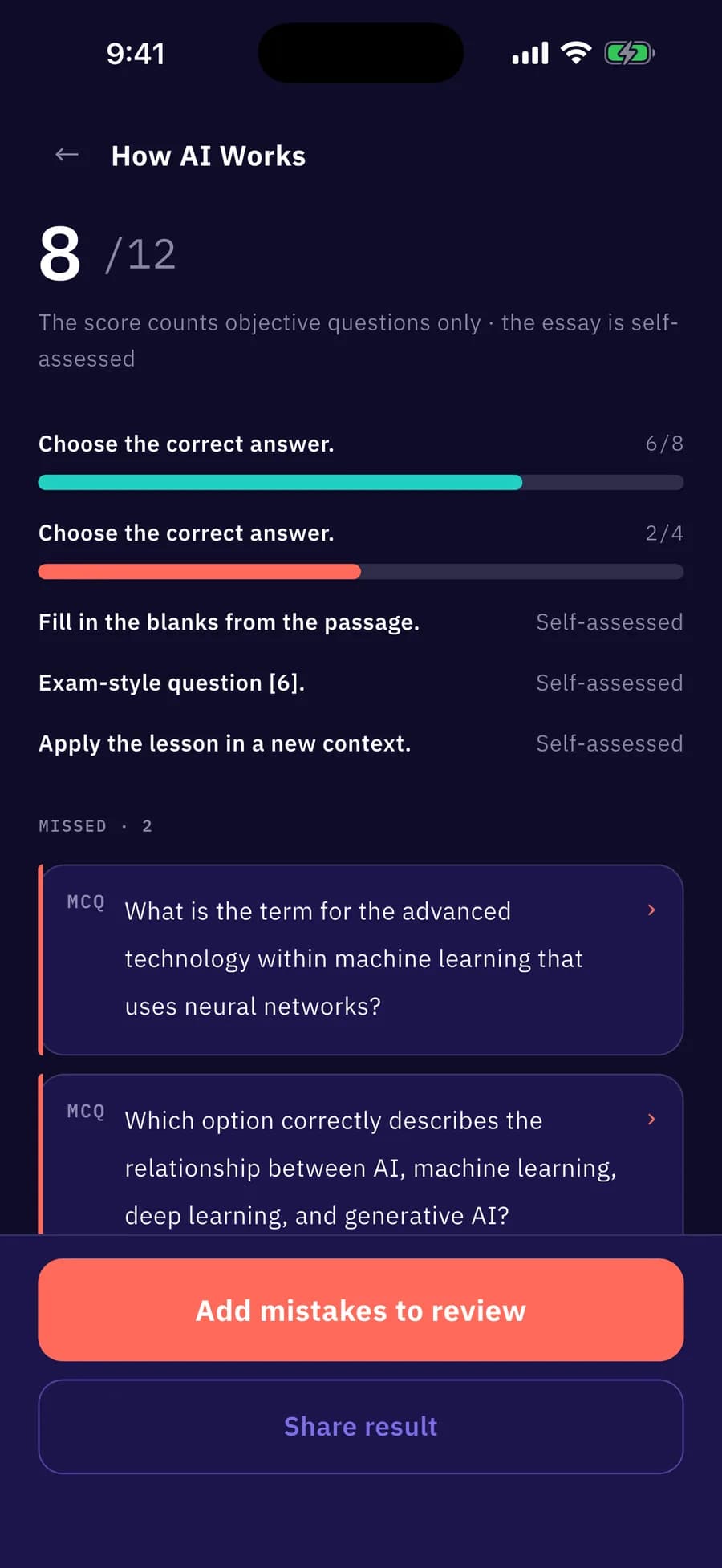
See exactly where you stand
Get your score with a section-by-section breakdown, every missed question with its correct answer, and the model answer for essays.
- Send your mistakes to review in one tap
- Share a story-ready score card
05Mistake bank
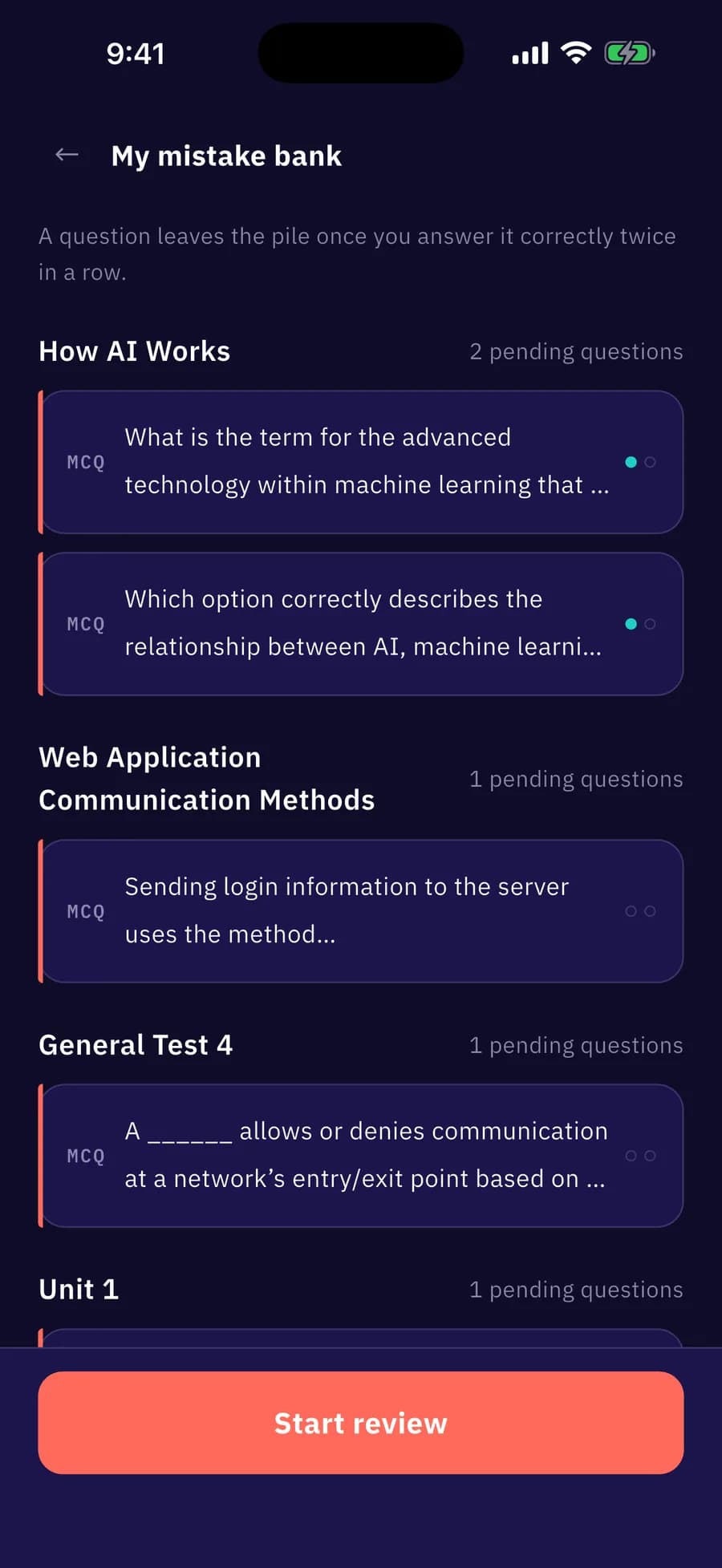
A mistake bank that never forgets
Every wrong answer lands in your mistake bank automatically. Drill the pile — a question only leaves once you get it right twice in a row.
- Collected from every exam you take
- Your weak spots, always one tap away
06Flashcards
Flashcards for every term
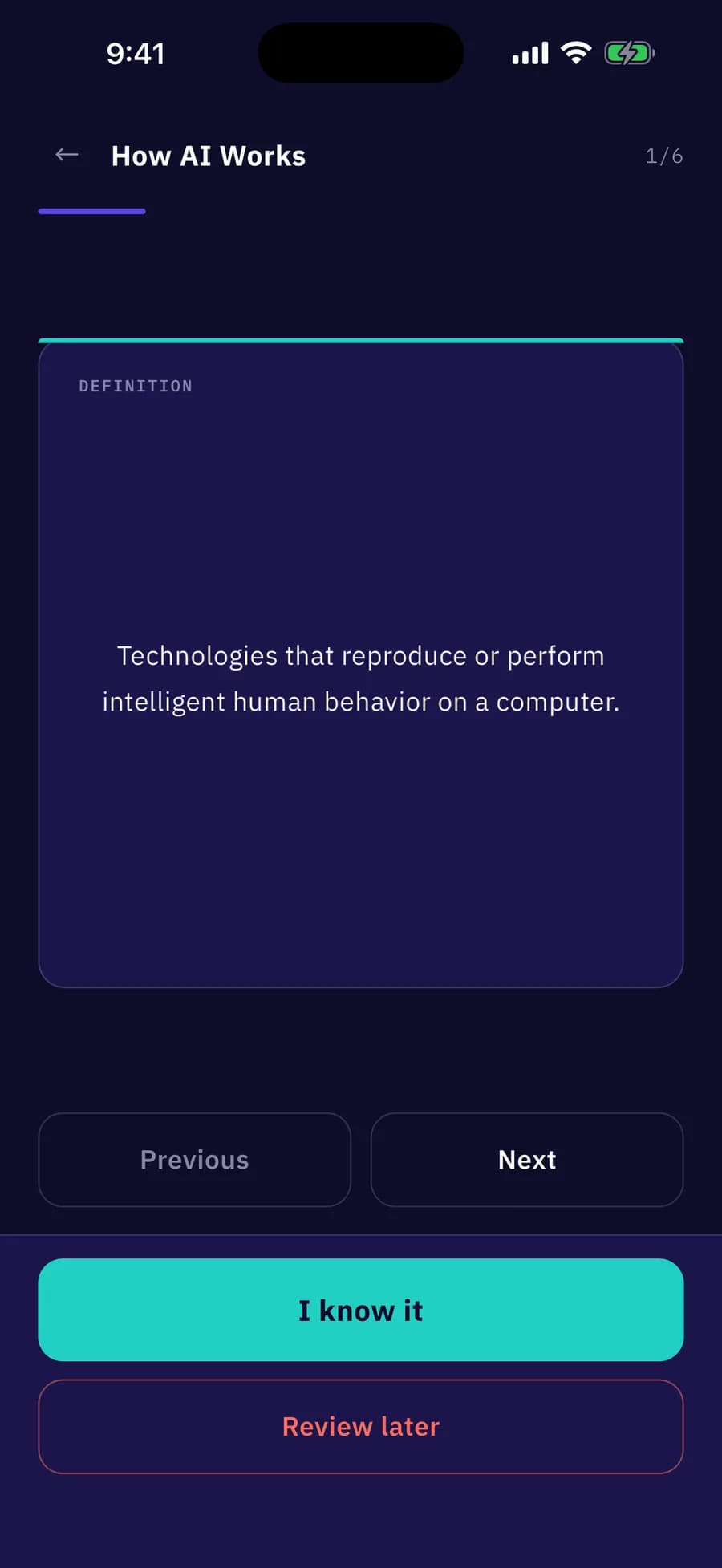
Pick all terms, a chapter or a single lesson. Flip a card, mark “I know it” or “Review later”, then re-run the ones you postponed.
- End-of-round summary: known X of Y
- Built from the curriculum's own terms
07Community
Join your teacher's community
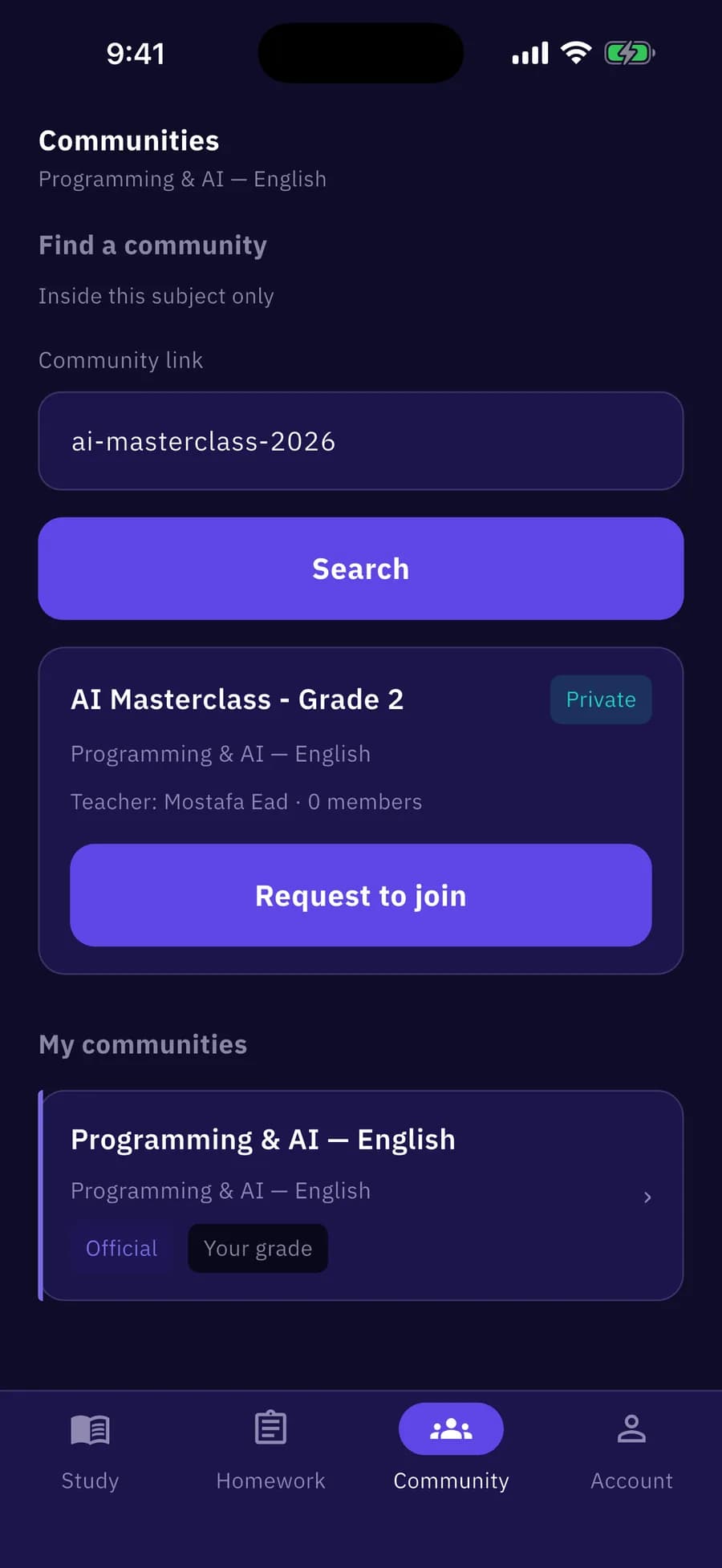
Search for your teacher's community and request to join. Once approved, you see their posts, PDFs and assignments. Your grade's official community is there automatically.
- Pinned posts and PDF files
- See the subjects your teacher teaches
08Homework
All your homework, soonest first
Assignments from every community land in one inbox, sorted by deadline, with a clear status on each.
- Opens soon, time left, handed in or missed
- No more lost WhatsApp messages
My homework
From all your communities, soonest first
42 min leftUnit 1 quiz
Mr. Ahmed · AI
Opens tomorrowNeural networks
Mr. Ahmed · AI
Handed inLesson 1 exam
Grade 11 official
MissedIntro quiz
Mr. Ahmed · AI
09Solve
One attempt, against the clock
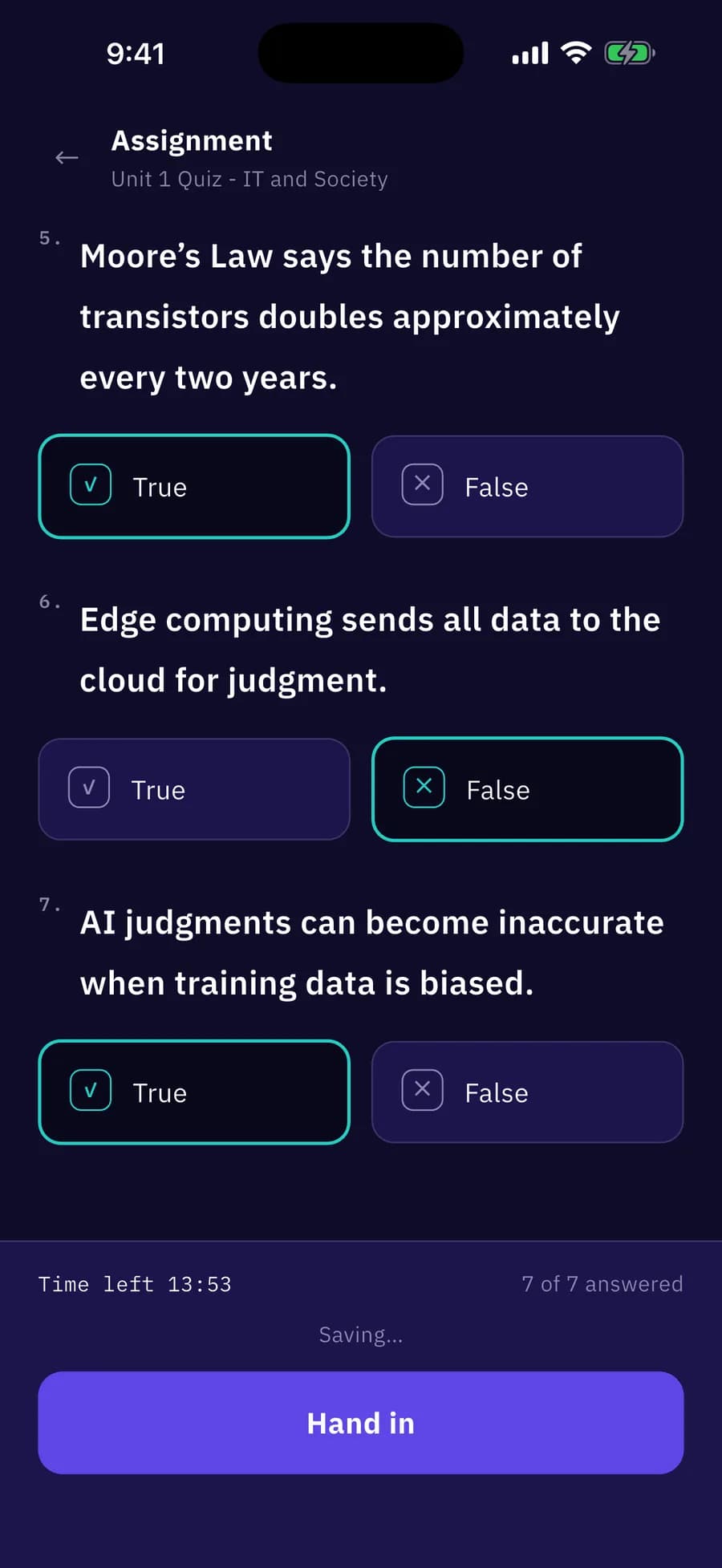
A live countdown, autosave as you go, and automatic submission when time runs out. Once your teacher closes it, see your score and review your answers.
- Graded instantly on the server
- The timer keeps running even if you leave the app
10Stay on time
Never miss a deadline
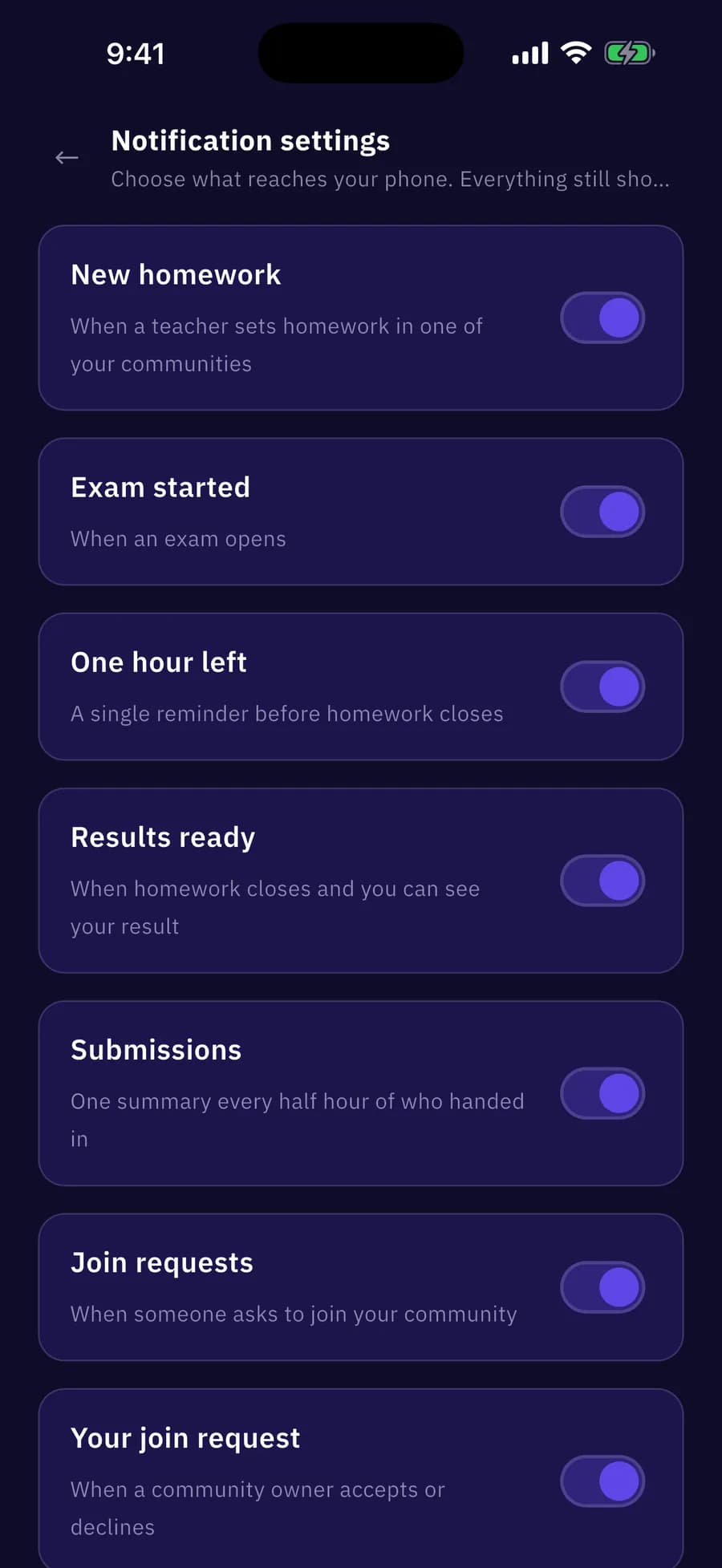
Get notified about new homework, exams starting, one hour left and results. Quiet hours keep your nights calm, and you choose which alerts you get.
- Per-category notification switches
- Built-in quiet hours
Welcome back
Have an account? Sign in with your number and password
Phone number
010 1234 5678
Password
••••••|
Forgot your password? Sign in with a code
New here?
Teacher journey
Run your class from your phone
Every verified teacher gets a Teaching tab: your exams, your communities and the homework you set — in one place.
- 1
Verify
Become a verified teacher
From your profile, upload proof that you teach — an image or a PDF. We review it, and once you're approved the Teaching tab unlocks instantly.
Teacher account
Upload proof that you teach (image or PDF) and we'll review it.
📄
teaching-license.pdf
⏳ Under review✓ Approved · Teaching tab unlocked - 2
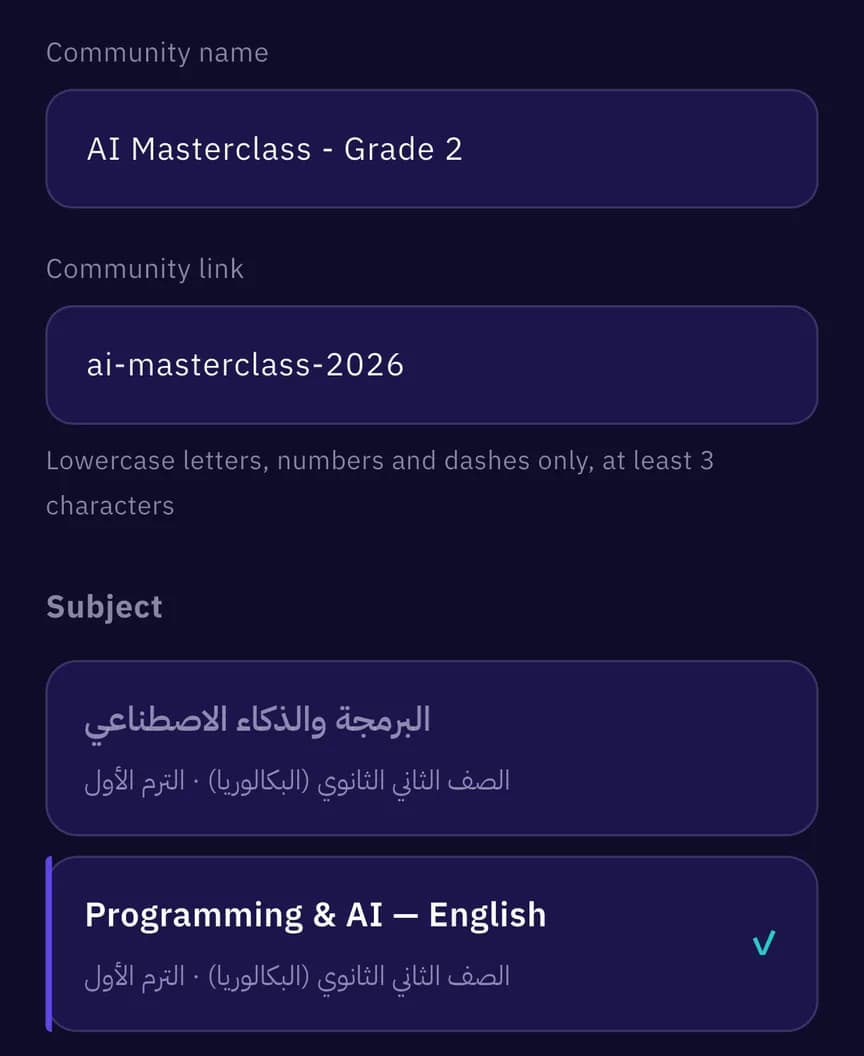
Community
Create your community
Give it a name and a short link, pick the subject, then share the invite link with your students on WhatsApp or anywhere else.
- 3
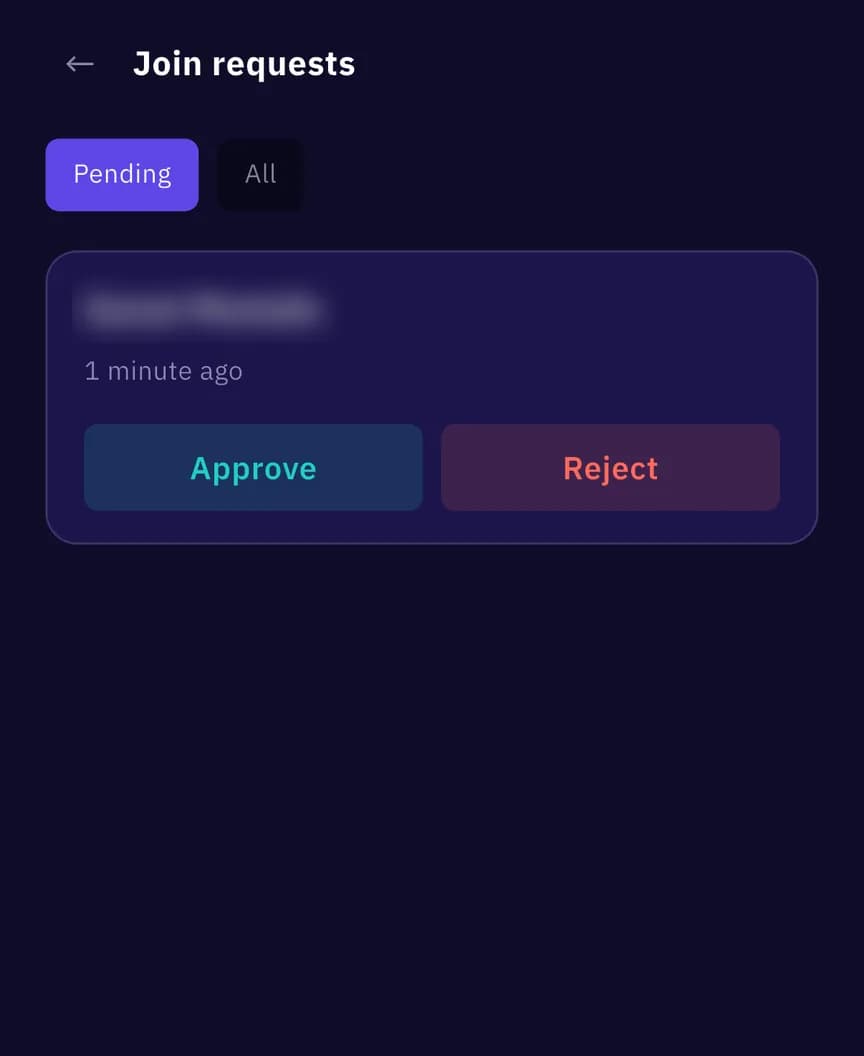
Members
Approve who gets in
Join requests arrive as notifications. Approve or reject each student in one tap — with undo if you slip.
- 4
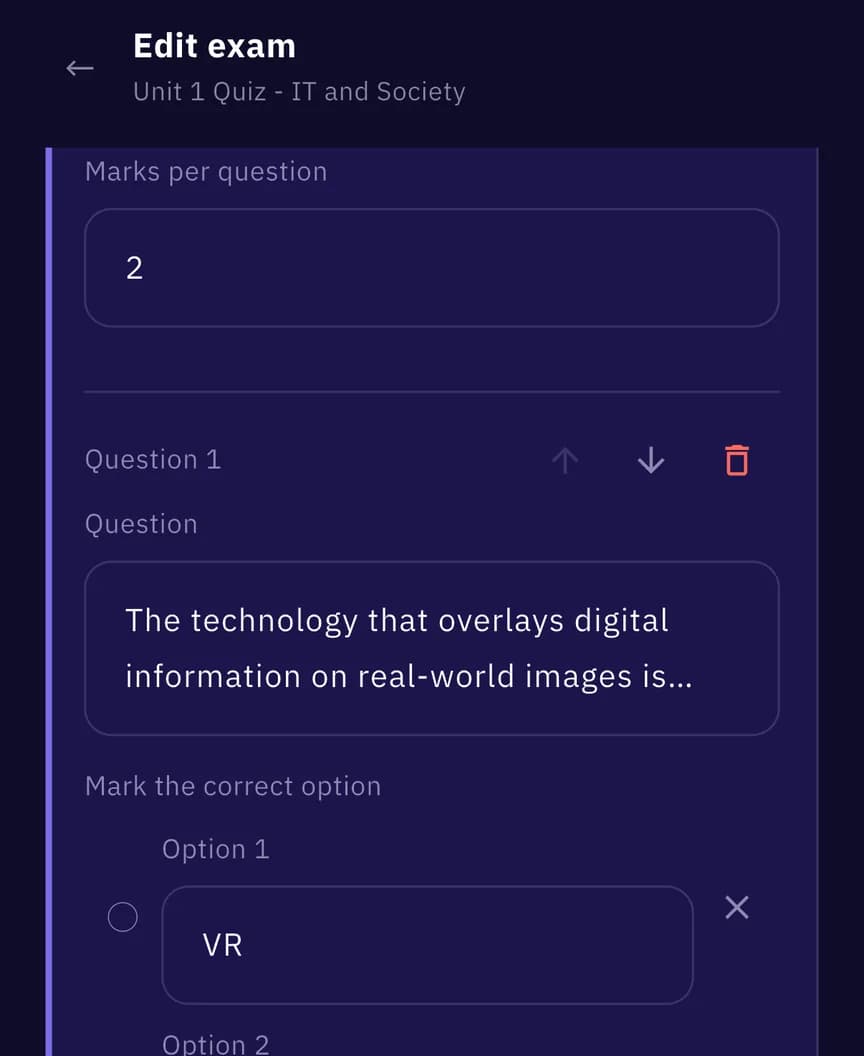
Exams
Write your own exams
Build multiple-choice and true/false sections, set the marks per question, mark the right answer and add an explanation. Reorder anything, anytime.
- 5
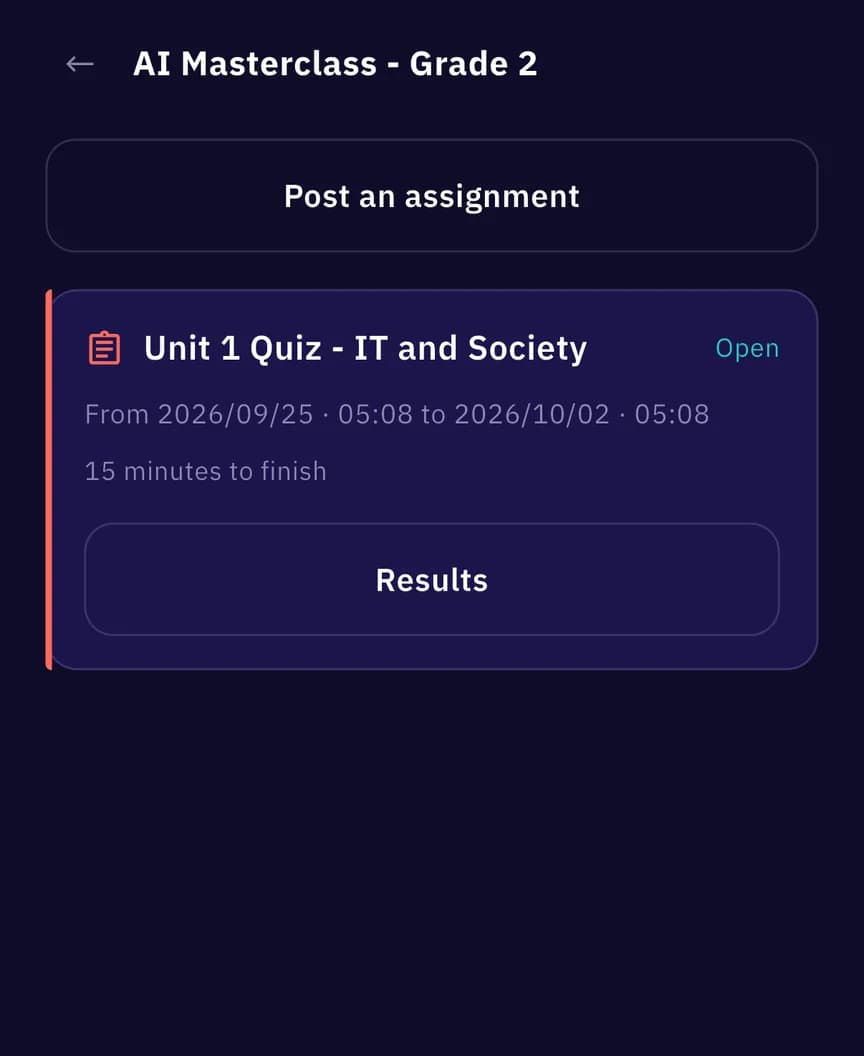
Homework
Post it as timed homework
Pick one of your exams and set when it opens, when it closes and how many minutes each student gets. Every member is notified.
- 6
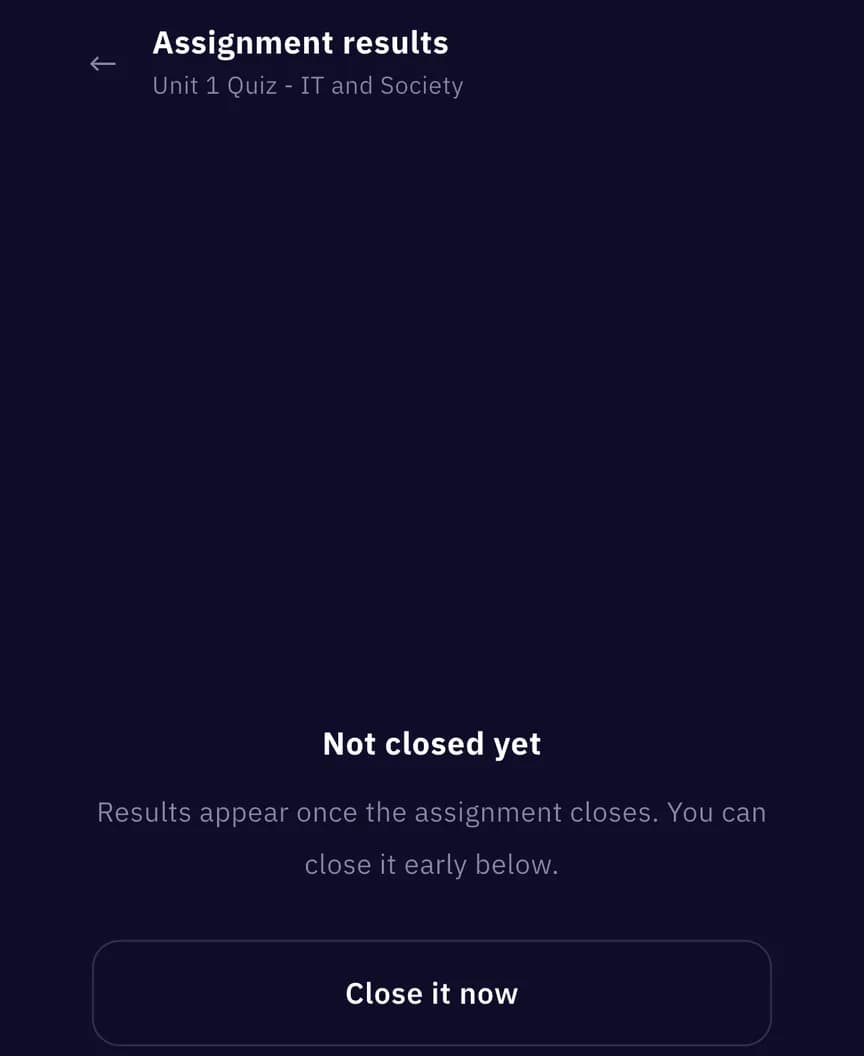
Live
Watch it live
See how many students have submitted and how many are still solving. Start it early, or close it now — anyone still solving is submitted automatically.
- 7
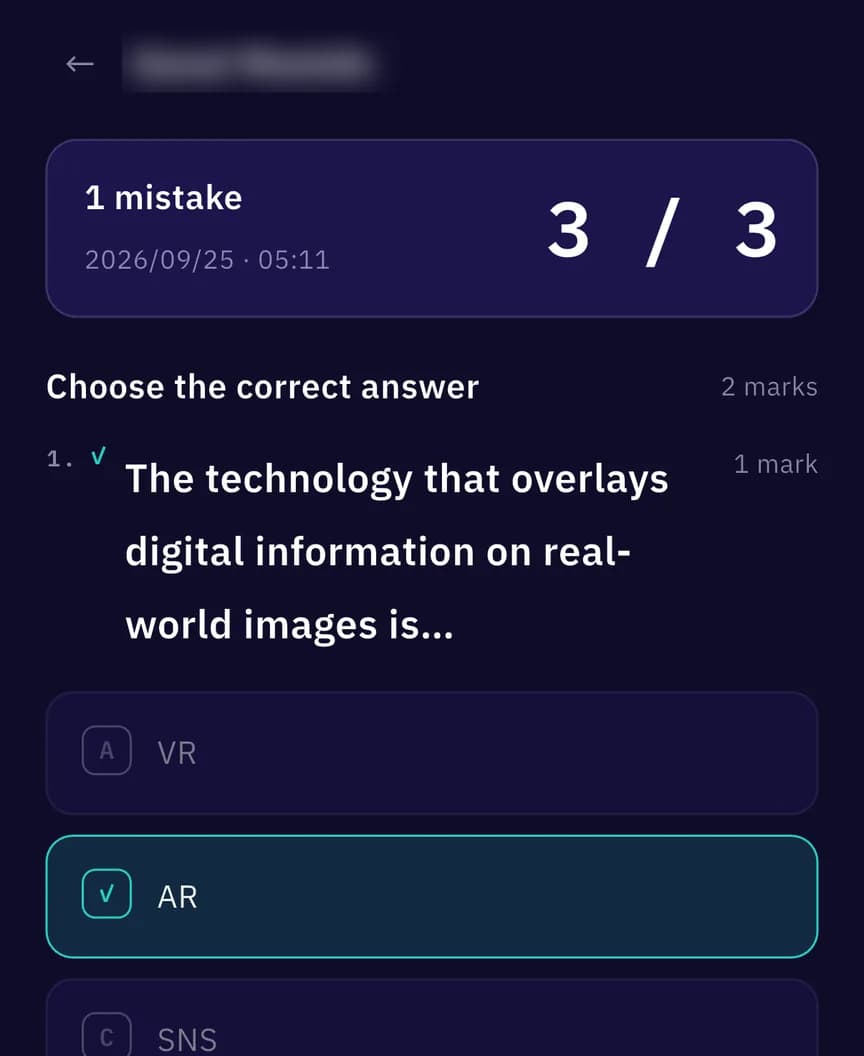
Results
Results, already graded
The moment it closes you get every student's score, who ran out of time, and each student's marked paper — without grading a single sheet.
How it connects
Where teachers and students meet
One homework cycle, fully automatic — from the teacher's exam to the student's result and back.
- ✍️Teacher writes an exam01
- 📤Posts it as homework02
- 🔔Students get notified03
- ⏱️Students solve on the clock04
- ⚡Graded instantly05
- 📊Teacher gets the results06
Offline first
Your revision doesn't need internet
Exams, results, flashcards and your mistake bank run fully offline, and your study progress stays on your device. Only account features need a connection.
✓Works offline
- Exams & daily drill
- Results & score sharing
- Mistake bank
- Flashcards
📶Needs a connection
- Sign-in
- Communities
- Homework
- Notifications
Everything you need to ace your exams
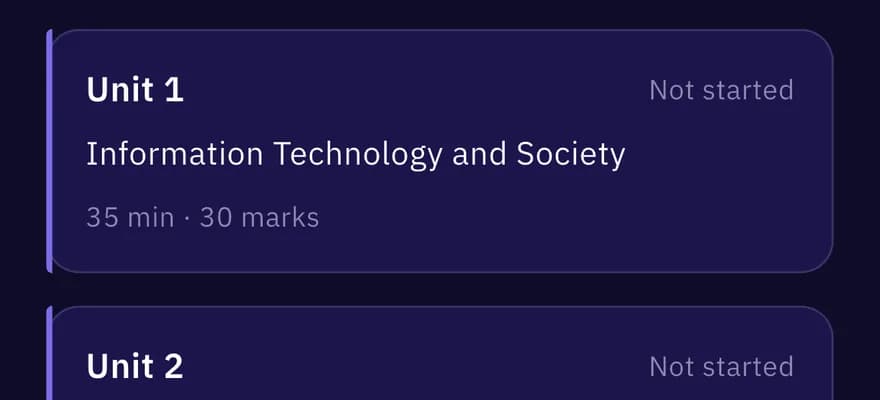
Exams
Lesson, unit, and general exams graded instantly with detailed breakdowns.
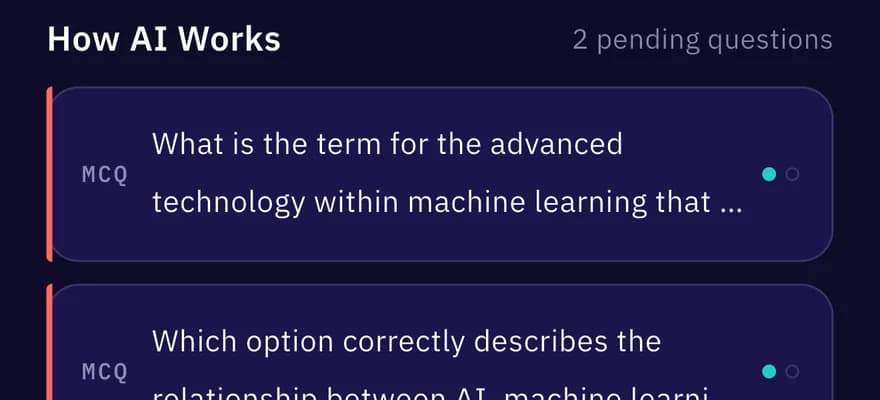
Mistake Bank
Wrong answers are re-served until you get them right twice in a row.
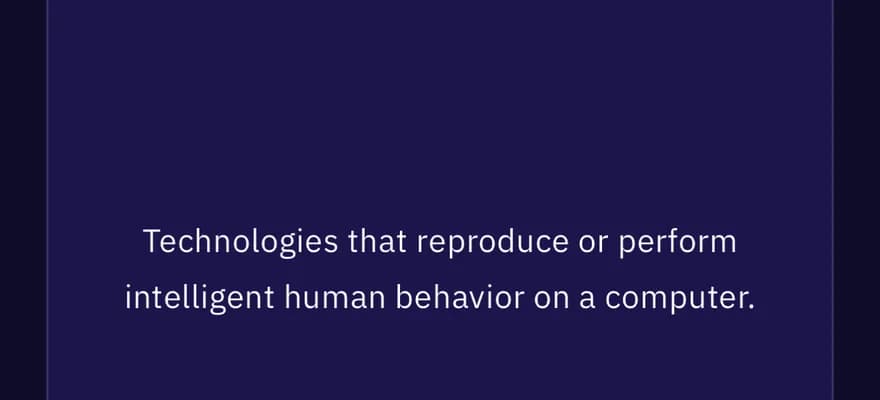
Flashcards
Curriculum terms as flip cards — mark what you know, review the rest.
Study Offline
Studying needs no internet. Your study data stays on your device.
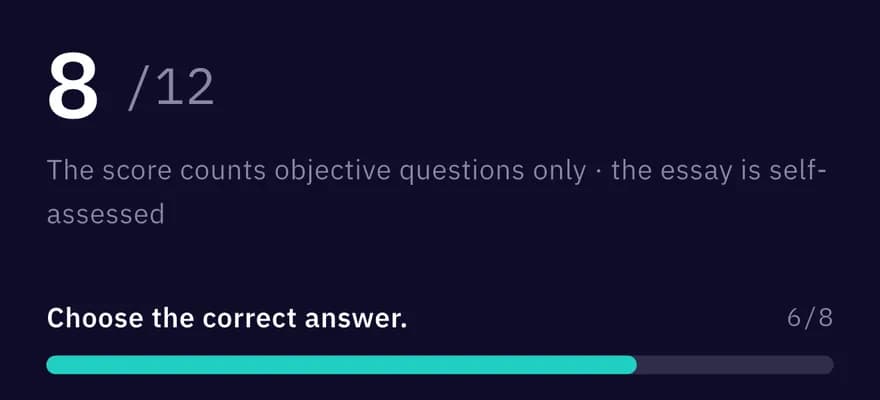
Score Sharing
Export your result as a story-ready image to share with friends.
Bilingual UI
Arabic and English interface, light and dark themes — switch anytime from settings.

Ready to start studying?
Free on Android and iOS. Download Miran and start your revision today.